
Grocery prices seem to keep going up, right? It feels like every trip to the store is a little more expensive than the last. If you’re trying to keep your budget in check for 2026, especially with ‘Smart Asset’ in mind, there are some handy tools out there. We’re talking about apps that can help you track your spending, find deals, and generally just be smarter with your money. Here are five apps that might just make your grocery bill a bit more manageable.
Key Takeaways
- PocketGuard helps you see exactly how much money you have left to spend after bills and savings, making it easy to avoid overspending on groceries.
- Rocket Money can find and cancel subscriptions you don’t need, freeing up cash that can be used for your grocery budget.
- Goodbudget uses a digital envelope system, helping you allocate specific amounts for groceries and stick to your spending limits.
- YNAB (You Need A Budget) encourages you to give every dollar a job, which can lead to more mindful grocery shopping and less impulse buying.
- Checkout 51 offers cashback on specific grocery items, letting you earn money back after you’ve made your purchases.
1. PocketGuard
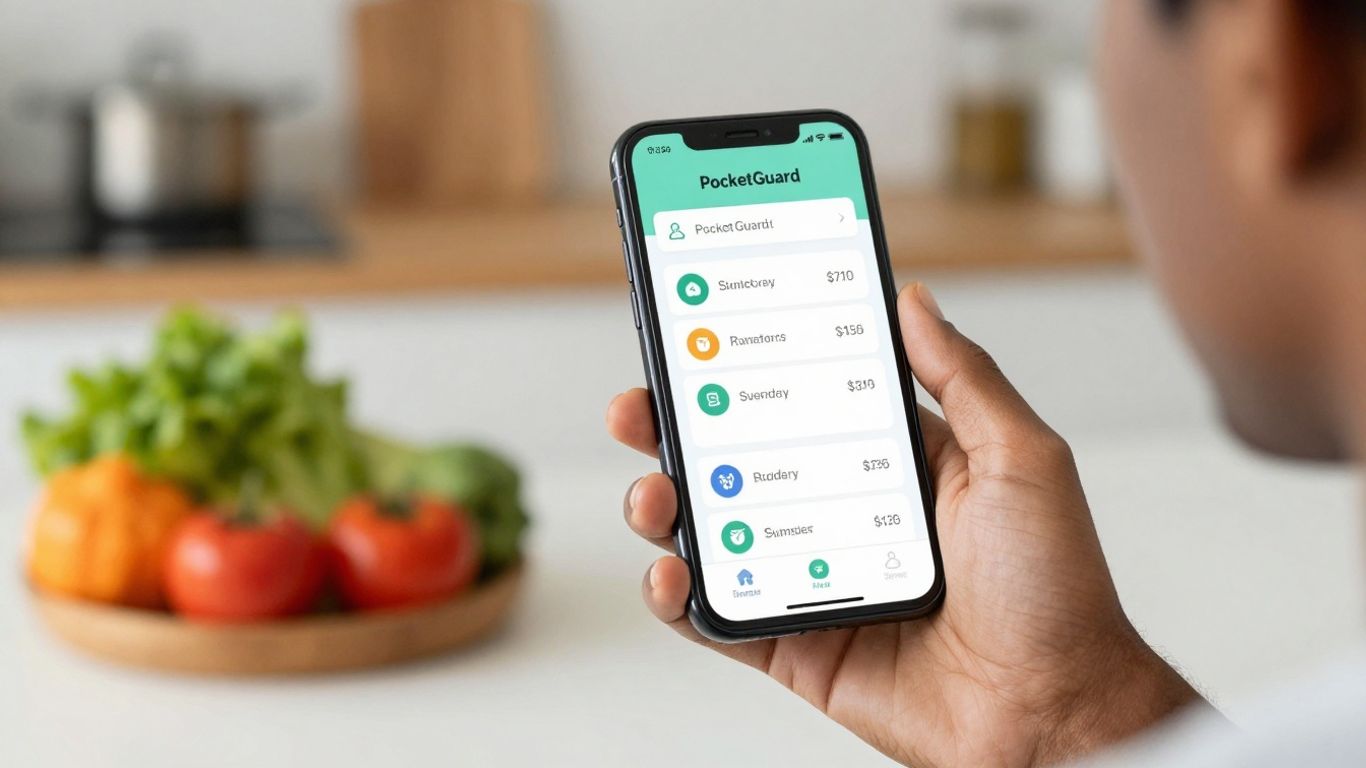
PocketGuard is a pretty straightforward app that aims to answer one big question for you: ‘How much money do I actually have left to spend?’ It hooks into your bank accounts and credit cards, looks at your income, bills, and any savings goals you’ve set up, and then spits out a number for your disposable income. The whole idea is to keep that number in the positive zone.
It automatically sorts your spending into different categories, which is super helpful. If it spots subscriptions you’re not using or finds you’re paying too much for certain services, it’ll flag them. You can link up as many accounts as you want, and it’s pretty good at figuring out transactions on its own. For anyone new to budgeting, PocketGuard is pretty easy to get the hang of. You can set limits for how much you want to spend in certain areas and get alerts when you’re getting close. It also nudges you to save a bit by showing you how much you should be putting aside.
PocketGuard really shines when it comes to simplifying your finances. It takes a lot of the guesswork out of knowing where your money is going and how much wiggle room you have for fun stuff or unexpected expenses. It’s like having a little financial assistant in your pocket, constantly checking to make sure you’re on track.
Here’s a quick look at what it offers:
- Disposable Income Calculation: Tells you exactly how much you can spend after bills and savings.
- Automatic Transaction Categorization: Sorts your spending without you having to do much.
- Subscription & Bill Management: Helps find unused subscriptions and potential savings on bills.
- Spending Limit Alerts: Notifies you when you’re approaching your budget limits.
- Savings Goal Integration: Encourages building a financial cushion.
2. Rocket Money
Rocket Money, formerly known as Truebill, is a pretty solid app for getting a handle on where your money is actually going. It’s especially good if you suspect you’re paying for subscriptions you don’t even use anymore. Seriously, those little monthly charges can add up without you even noticing.
This app digs through your bank statements and credit card activity to find those recurring payments. It then flags them for you, making it way easier to cancel the ones you don’t need. Beyond just subscriptions, Rocket Money also offers tools to help you budget and set spending targets. You’ll get alerts if you’re getting close to your limits, which is a nice little nudge to stay on track.
Here’s a quick look at what it can do:
- Subscription cancellation: Identifies and helps you cancel unwanted recurring charges.
- Spending analytics: Breaks down your spending habits so you can see where your money goes.
- Budgeting tools: Allows you to set spending goals for different categories.
- Net worth tracking: Gives you a real-time overview of your assets and liabilities.
Rocket Money aims to simplify your financial life by automating the detection of wasteful spending and offering straightforward ways to reduce your bills. It’s a good option for people who want a more hands-off approach to finding savings.
While the free version covers a lot, like subscription tracking and basic budgeting, there’s also a premium version that offers more advanced features. It’s worth checking out if you’re looking to get a clearer picture of your finances and cut down on unnecessary expenses.
3. Goodbudget
Goodbudget takes a different approach to budgeting, kind of like a digital version of those old-school cash envelopes. You know, where you’d put a certain amount of cash into envelopes for groceries, rent, and fun money? This app does that, but with digital "envelopes." You decide how much money goes into each category, like your grocery budget, and then you track your spending against that amount.
The free version lets you set up to 20 envelopes and track one bank account. It’s not automatic, though. You’ll need to manually enter your transactions, which might sound like a pain, but honestly, it makes you really think about where your money is going. It’s a good way to get a handle on your spending habits.
Here’s a quick look at what you get:
- Digital Envelopes: Assign money to specific spending categories.
- Manual Tracking: Enter transactions yourself to stay aware of your spending.
- Sync Across Devices: Great for couples or families who want to share budget information.
- Debt and Bill Planning: Helps you keep track of what you owe and upcoming payments.
One of the biggest things about Goodbudget is that it doesn’t link directly to your bank accounts. Some people really like this because it means your financial data stays more private. You’re in charge of all your information. It’s a solid choice if you prefer a more hands-on budgeting method and want to be super mindful of every dollar.
If you’re someone who likes to see exactly where every single dollar is allocated and prefer not to give apps direct access to your bank accounts, Goodbudget is definitely worth a look. It forces a level of awareness that automatic trackers sometimes miss.
4. YNAB
YNAB, which stands for You Need A Budget, has a pretty dedicated following. It’s not just about tracking where your money went, like some other apps. YNAB really pushes you to be proactive. The main idea is to give every single dollar a job before you even spend it. They call this zero-based budgeting, and it’s a pretty solid way to get a handle on things.
It’s a subscription service, so it’s not free, but they do offer a 34-day free trial so you can check out all the features. If you’re a college student, you can actually get a year of it for free, which is pretty cool. Unlike some apps that just show you numbers, YNAB requires you to get involved. You’ll be manually adding your transactions, sorting them into categories, and adjusting your plan as things change.
Here’s a quick look at how YNAB’s approach works:
- Assign Every Dollar a Job: Before you spend anything, decide where that money is going. This could be for bills, groceries, savings, or even fun money.
- Embrace Your True Expenses: Instead of ignoring those big, infrequent bills (like car insurance or holiday gifts), break them down into smaller, manageable monthly savings goals.
- Roll With the Punches: Life happens. If an unexpected expense pops up, YNAB encourages you to adjust your budget by moving money from less critical categories rather than going into debt.
- Age Your Money: The goal is to get to a point where your money from last month pays for this month’s expenses, meaning you’re living on last month’s income.
- Live on Less Than You Make: This is the core principle. By understanding your income and expenses, you can make conscious decisions to spend less than you earn.
While YNAB requires a more hands-on approach compared to apps that automatically link to your bank accounts, this active participation is exactly what helps users build better money habits. It forces you to confront your spending and make intentional choices about your finances.
5. Checkout 51
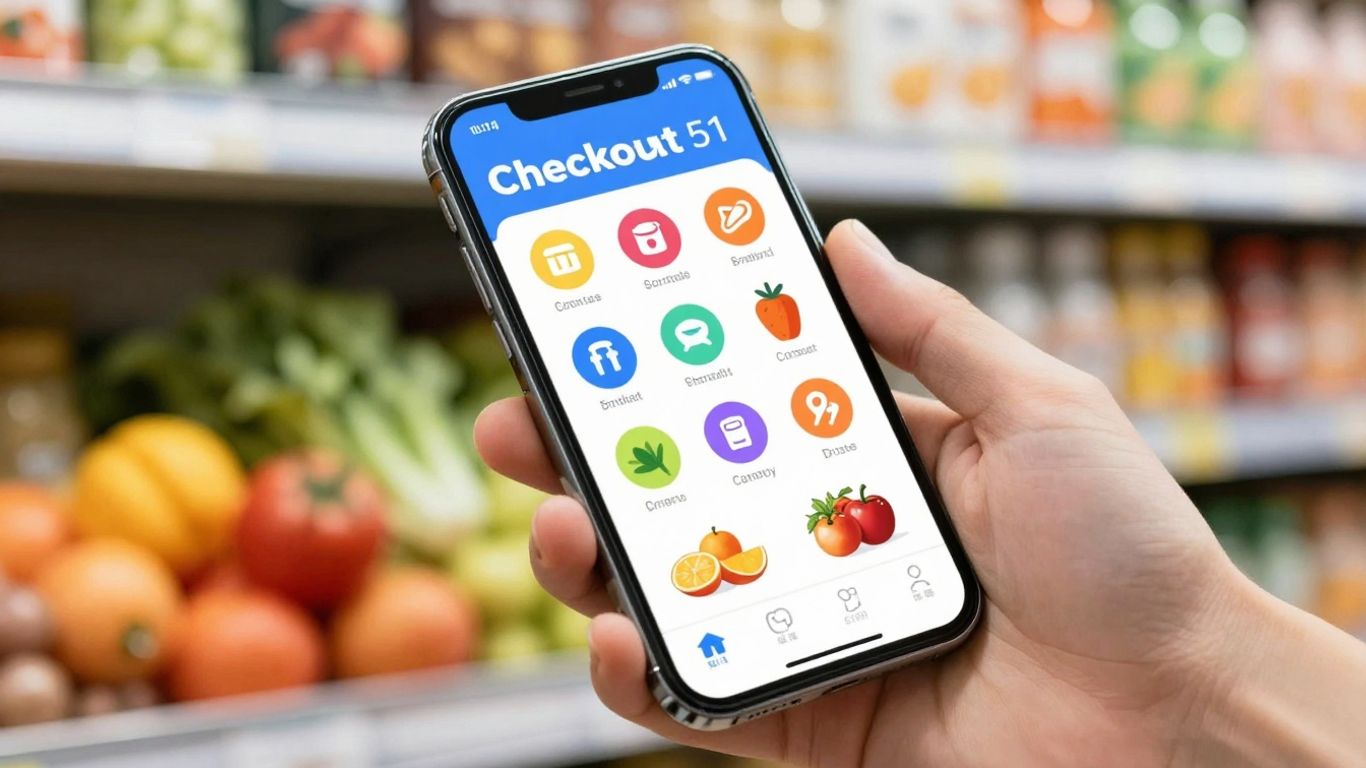
Checkout 51 is a pretty straightforward app for saving a bit of cash on groceries and everyday stuff. It’s not going to revolutionize your budget, but it’s a nice little bonus. Basically, they offer a list of deals each week, and if you buy one of the featured items, you can get some money back. Think things like specific brands of coffee creamer, diapers, or maybe some pasta.
Here’s how it generally works:
- Browse the offers: Check the app every Thursday for new deals. You can add offers you’re interested in to your account.
- Go shopping: Buy the item(s) at any store that sells them. It doesn’t have to be a specific retailer unless the offer says so.
- Snap a photo of your receipt: Take a clear picture of your grocery receipt showing the item you bought. Upload it through the app.
- Get paid: Once you’ve accumulated $20 in savings, Checkout 51 will mail you a check. It takes a little while to get there, but it’s actual cash back.
The real appeal here is the simplicity; you don’t need to link bank accounts or do anything too complicated. It’s a good option if you just want to grab a few extra bucks back on things you were already planning to buy. It’s not a huge money-saver on its own, but every little bit helps, right?
While Checkout 51 offers a decent selection of cashback deals, it’s important to remember that the offers can be quite specific. You might find a great deal on a particular brand of cereal, but if you usually buy a different one, it might not be worth changing your habits just to save a dollar or two. It’s best used for items you’re already purchasing or when the offer aligns perfectly with your shopping list.
Wrapping It Up
So, there you have it. Managing your grocery spending doesn’t have to be a headache, especially with the right tools. These apps we talked about can really help you see where your money is going and find ways to save. Whether you’re trying to stick to a strict budget or just want to cut down on food costs a bit, giving one of these financial apps a try is a smart move. It’s not about being super strict all the time, but about making small, smart choices that add up. Give them a look, pick one that feels right for you, and start saving on your next grocery run.
Frequently Asked Questions
Are these apps really free to use?
Many of these apps offer a free version with great features. Some might have paid options for extra tools, but you can often save a lot of money on groceries with just the free parts of the app. It’s like getting a helpful tool without having to pay a lot for it.
How do these apps help me save money on groceries specifically?
These apps help in different ways! Some show you deals and coupons you can use at the store. Others help you track your spending so you know where your money is going, making it easier to cut back. Some even give you money back or rewards for buying certain things.
Do I need to link my bank account to these apps?
Some apps work best when they can see your bank activity to track spending automatically. Others, like Goodbudget, don’t need bank access and let you enter things yourself. It’s good to check what each app needs and what you’re comfortable with.
Can I use these apps if I shop at different grocery stores?
Yes, many of these apps work with a variety of stores. Some might have special deals for certain stores, but you can usually find general savings or track your spending no matter where you buy your food.
How do I know which app is the best for me?
Think about how you like to manage money. If you want things done automatically, pick an app that links to your bank. If you prefer to enter everything yourself and have more control, choose one that works like a digital notebook. Trying out a couple of free ones is a good way to see what feels right.
Will these apps help me save money on things other than groceries?
Absolutely! While we’re talking about groceries, many of these apps are great for managing your whole budget. They can help you track bills, save for big purchases, and see where all your money goes, not just your food money.